Plan the shift. Equip the team. Resolve the shortage. Each workspace opens the operational tools behind that responsibility.
ALEX MORGAN / FIELD TECHNICIAN
Start the shift ready.
See assigned work, find the equipment you need, and keep the tool room informed as the job progresses.
Start here: shared job MR-204Request the fiber kit, record the sample issue, and follow the same job through Charisse, purchasing and leadership. Your other operational tools remain available.
- Assigned tasks, due dates and completion notes
- Equipment requests and personal custody records
- Available inventory and kit contents
- Photo references, procedures and record-based assistance
Open Alex’s shared job →CHARISSE COWAN / TOOL-ROOM MANAGER
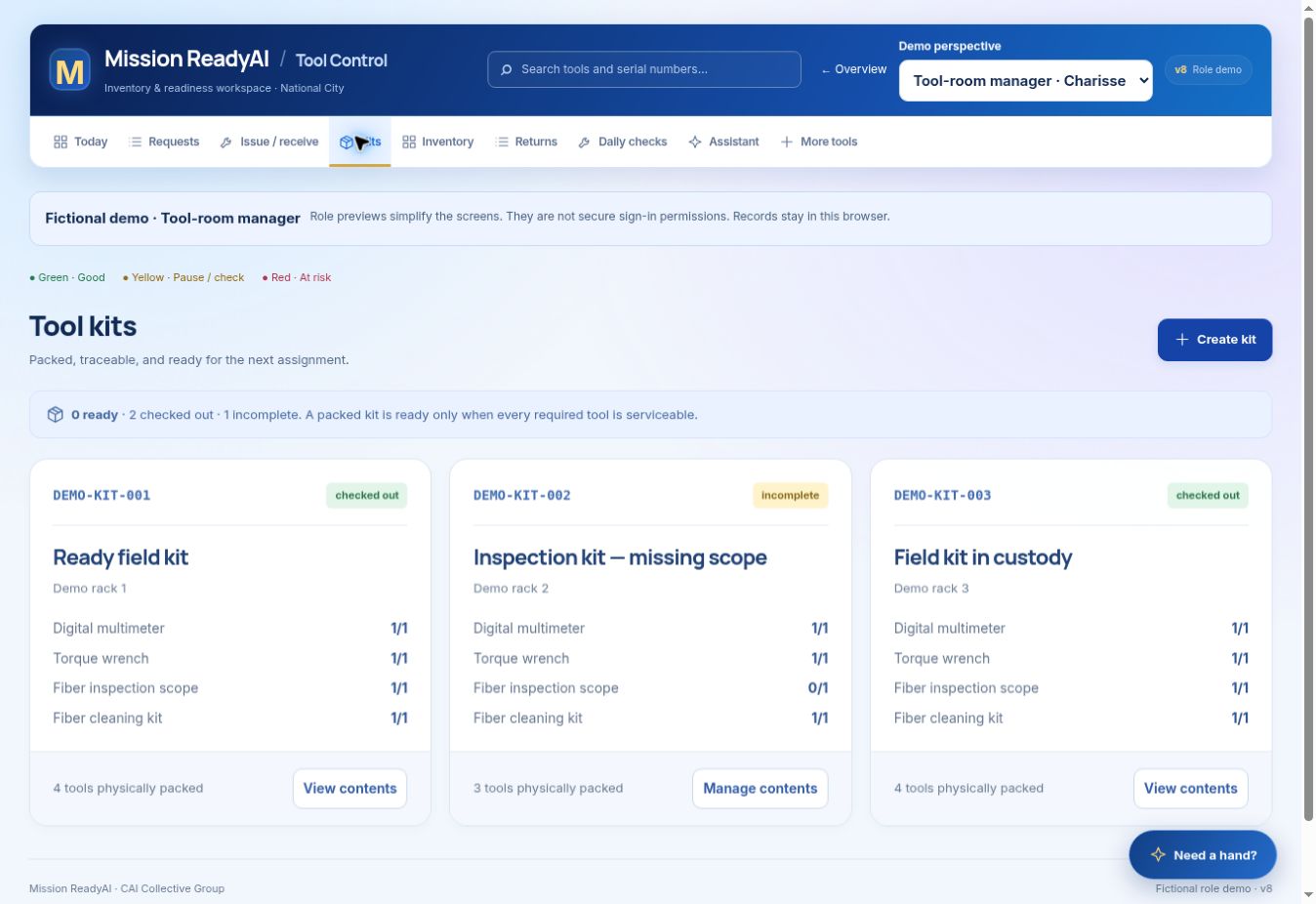
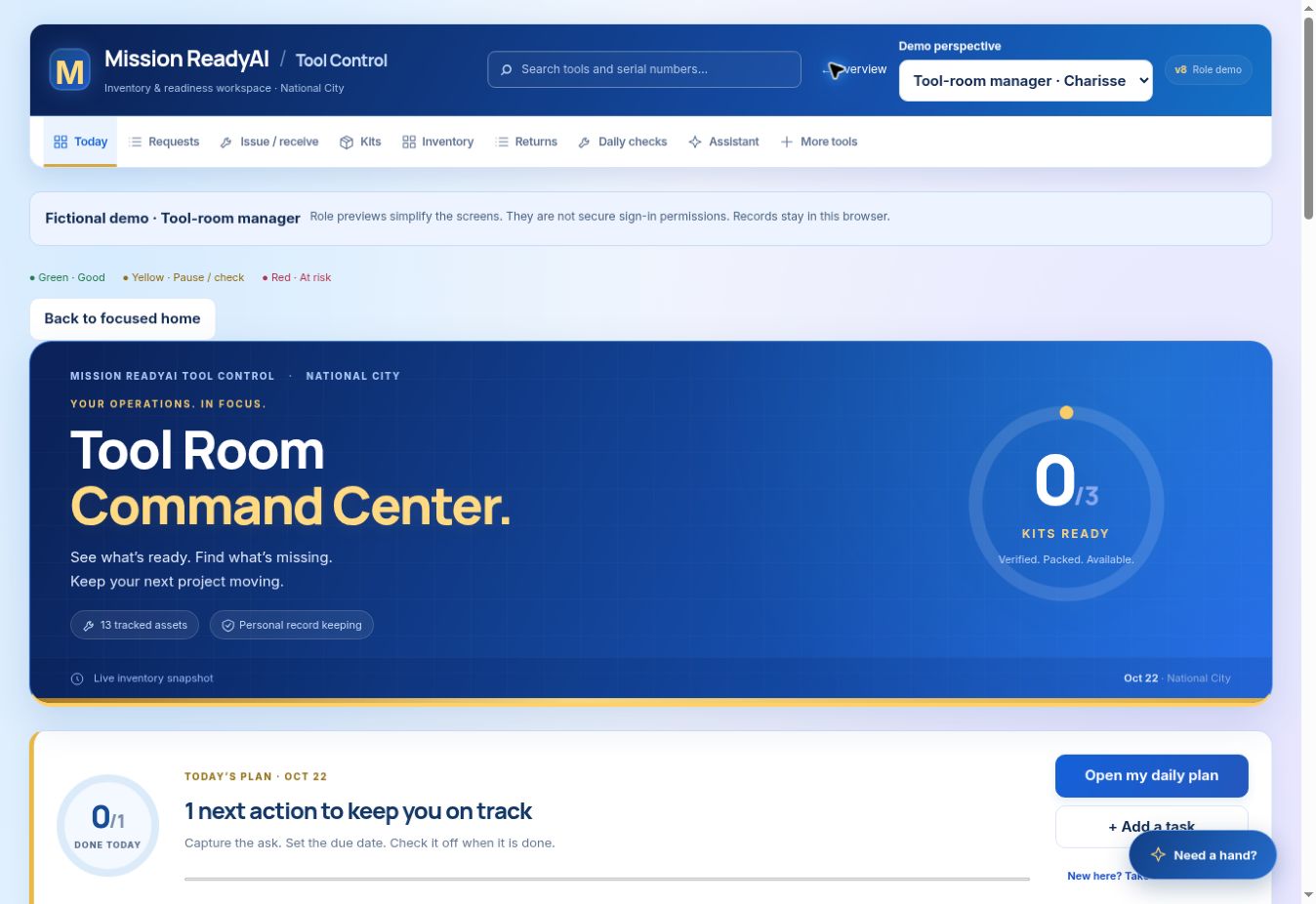
Keep every tool accountable.
Run the tool room from one command center: readiness, requests, custody, returns and unresolved exceptions.
Start here: the command centerIdentify what is blocked, allocate ready equipment, verify kit contents, and inspect returns before making tools available again.
- Inventory, serial numbers and calibration status
- Kit manifests, issue/receive scanning and custody
- Daily checks, physical counts and discrepancy follow-up
- Daily reports, activity history, backups and assistance
Open Charisse’s command center →TAYLOR REED / PROCUREMENT
Resolve the need before you buy.
Connect purchasing decisions to stock, open requests, available alternatives and supplier handoffs.
Start here: purchasing recordsReview a shortage, prepare the request, record approval and order references, then receive assets into inventory.
- Stock needs and existing equipment availability
- Separate draft, approval, order and receipt statuses
- Supplier references, contacts and logistics records
- Blocked handoffs, activity history and assistance
Open Taylor’s purchasing workspace →Follow the shared job through leadership
Open the same MR-204 work order to approve the replacement and review the complete custody, issue and purchasing history.
All demonstration records are fictional and saved in this browser. Role previews organize the interface; production authentication, shared cloud records and image analysis are not connected.